
Assignments & templates
An assignment is a piece of step work or a reading. Most are tied to a specific step, and you add and check them off right on that step's screen. Give yourself an assignment, or have your sponsor send you one - either way works the same. When you're the one giving someone else work, you can also leave it without a step; it shows up in its own "No step" group in what you've assigned them.
An assignment with a due date can remind you about it at 9am that day. If instructions include a web link, it becomes tappable and opens in your browser.
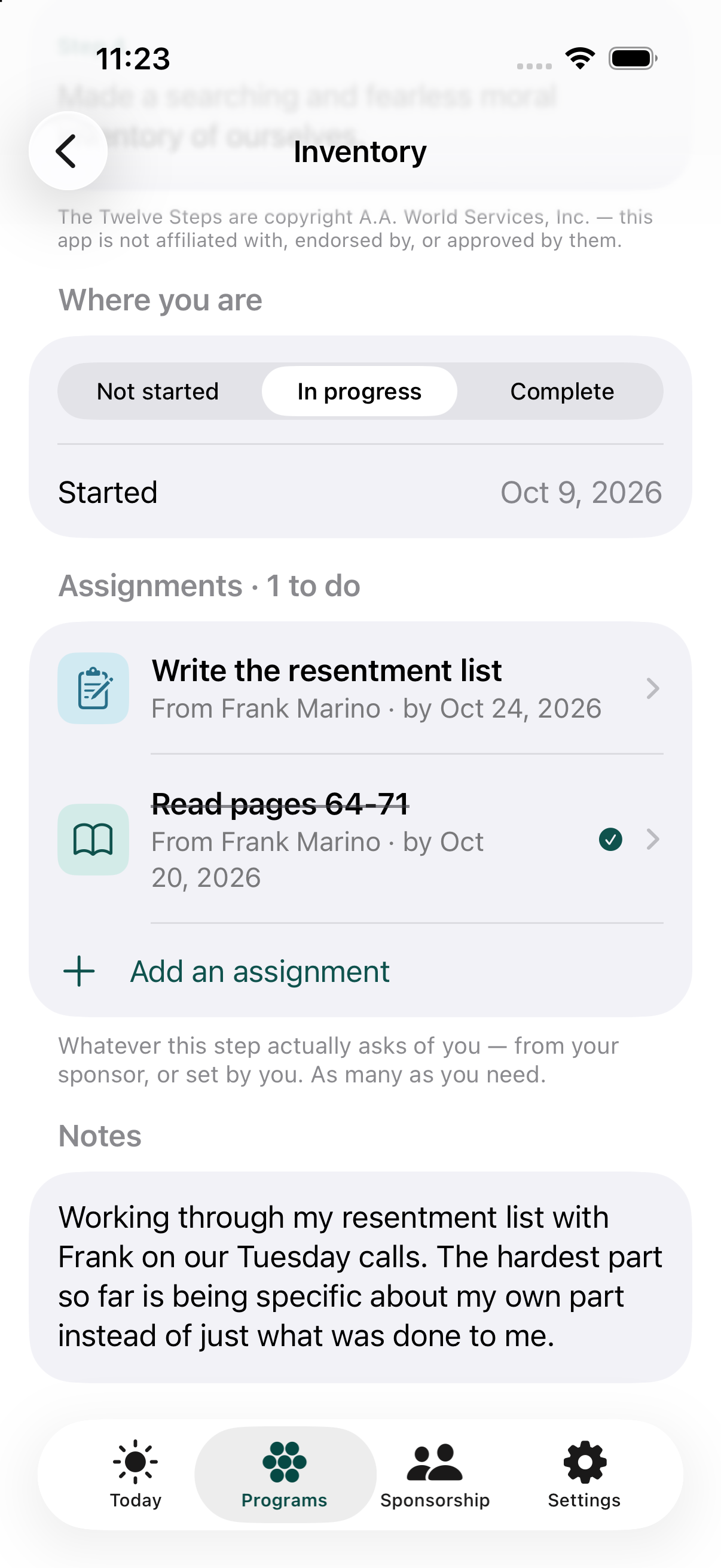
Saving an assignment and sending it are two separate steps - saving one never automatically sends a text message, though the app will offer to. Every assignment keeps the name of whoever gave it to you as plain text, so it stays correct even if that person later leaves the app.
Sending assignments
Assignments go out over text message, through your phone's own Messages app - you always see and approve the message before it sends. If the other person also has the app installed, a special link is included so it opens directly for them; otherwise they just get the plain-text instructions. Sending the same assignment to several people at once is done one person at a time, not as a single group text - you'll see a message ready to review and send for each person in turn.