
Privacy & your data
There's no account, no sign-up, and no sign-in. My Recovery Program has no server of its own, so nothing you enter is ever uploaded to us - there's no "us" to send it to. Everything lives on your device, and in your own iCloud account if you choose to turn on backup.
Locking the app
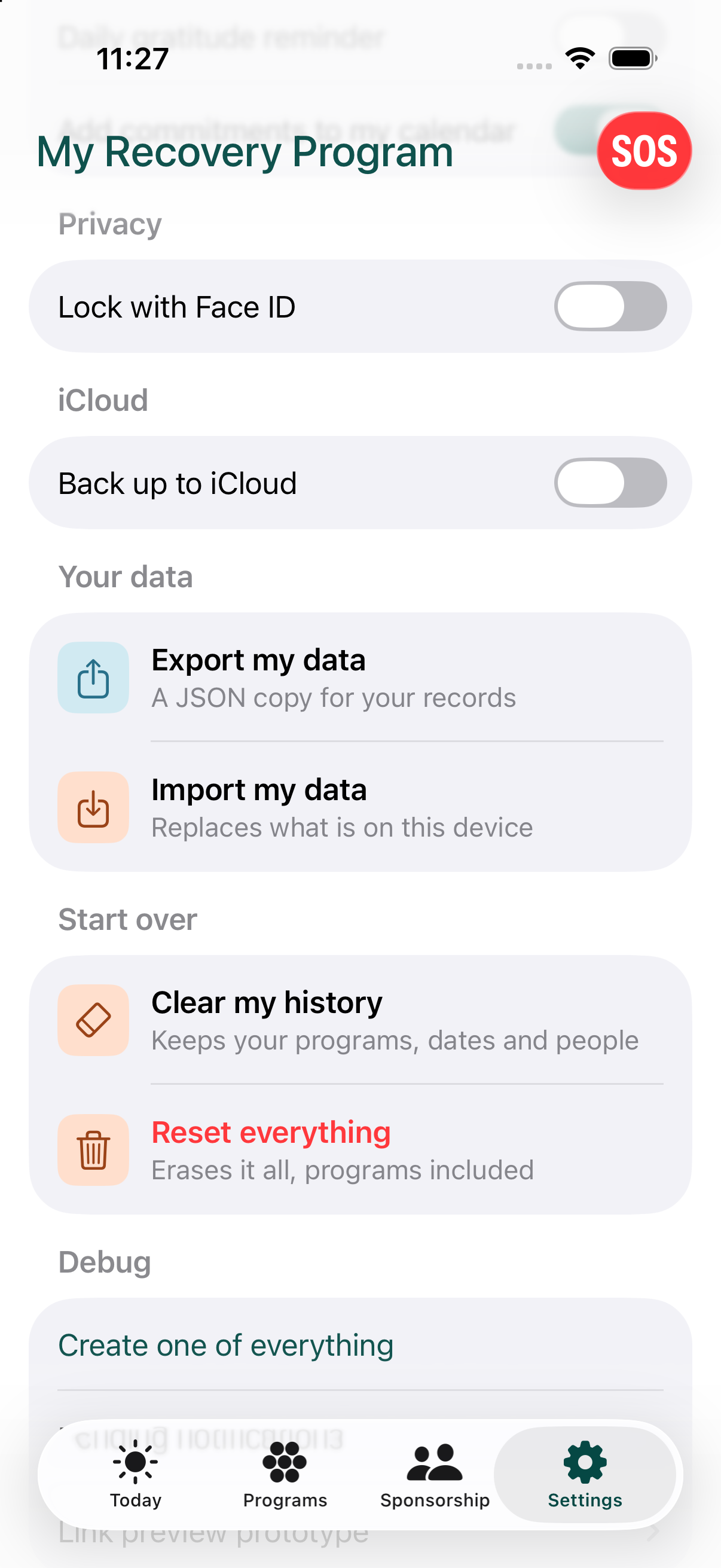
You can require Face ID, Touch ID, or a passcode to open the app. This is optional and off by default, and while it's on, the app also hides its contents in the app switcher.
iCloud backup
Backup is optional and off by default. Turning it on uploads what's already on your phone to your own iCloud account. Turning it back off deletes the iCloud copy - your phone keeps its own data either way.
If you ever use the app on a second device signed into the same iCloud account, and both devices already have different data, the app won't guess: it shows you exactly what's different, program by program, and lets you choose to keep this device's version, the other device's version, or both.
Exporting and importing your data
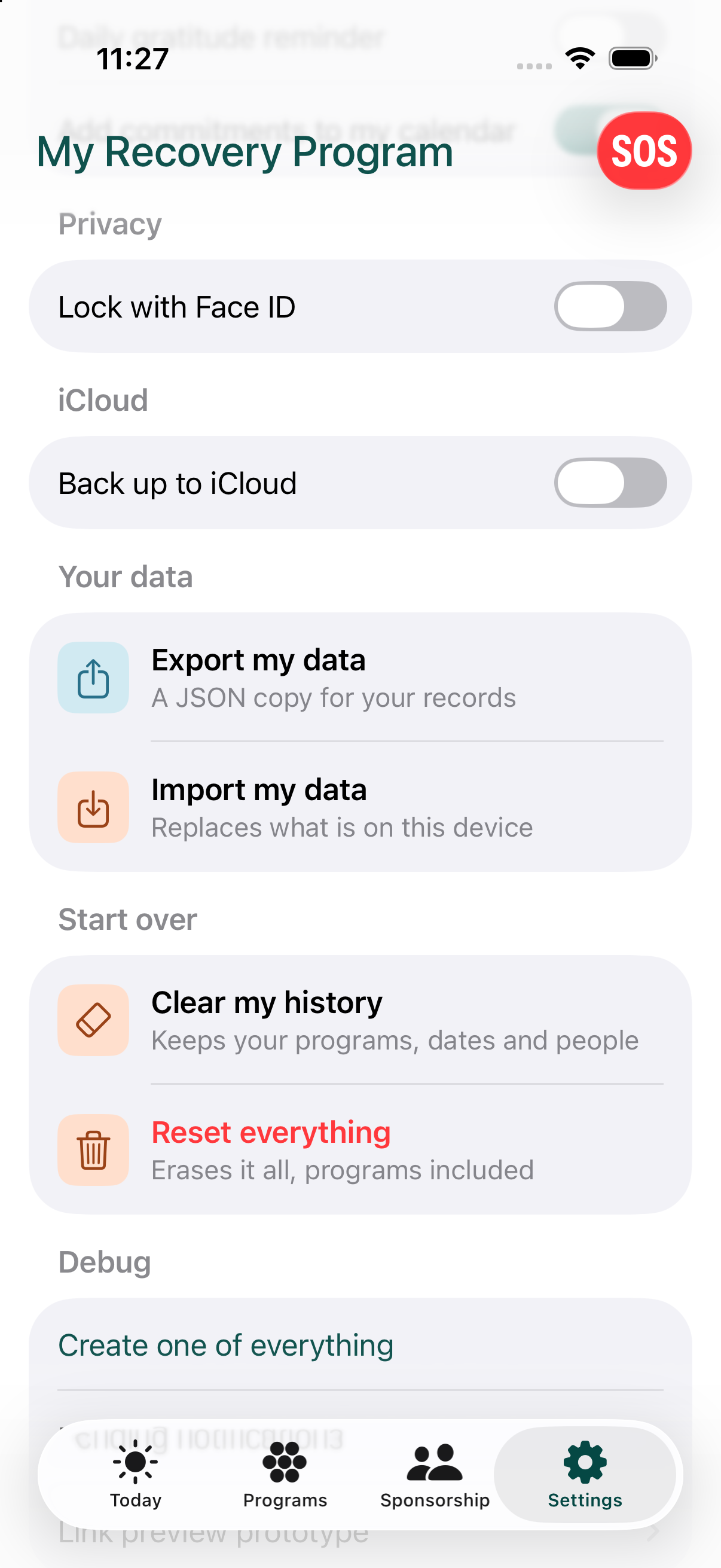
From Settings, you can export a complete copy of everything in the app as a file, which you can save or send anywhere you like. You can also import a previously exported file, which replaces everything currently on the device - this is a deliberate, all-or-nothing action, with a confirmation step first.
If your data can't be opened
If the app ever can't open the data stored on your phone, it tells you instead of crashing, and nothing is deleted. You can start fresh, which keeps the old data in a separate folder inside the app, or, if iCloud backup was on, bring your programs back from iCloud. The red SOS button still works on that screen, with the national numbers.
Starting over
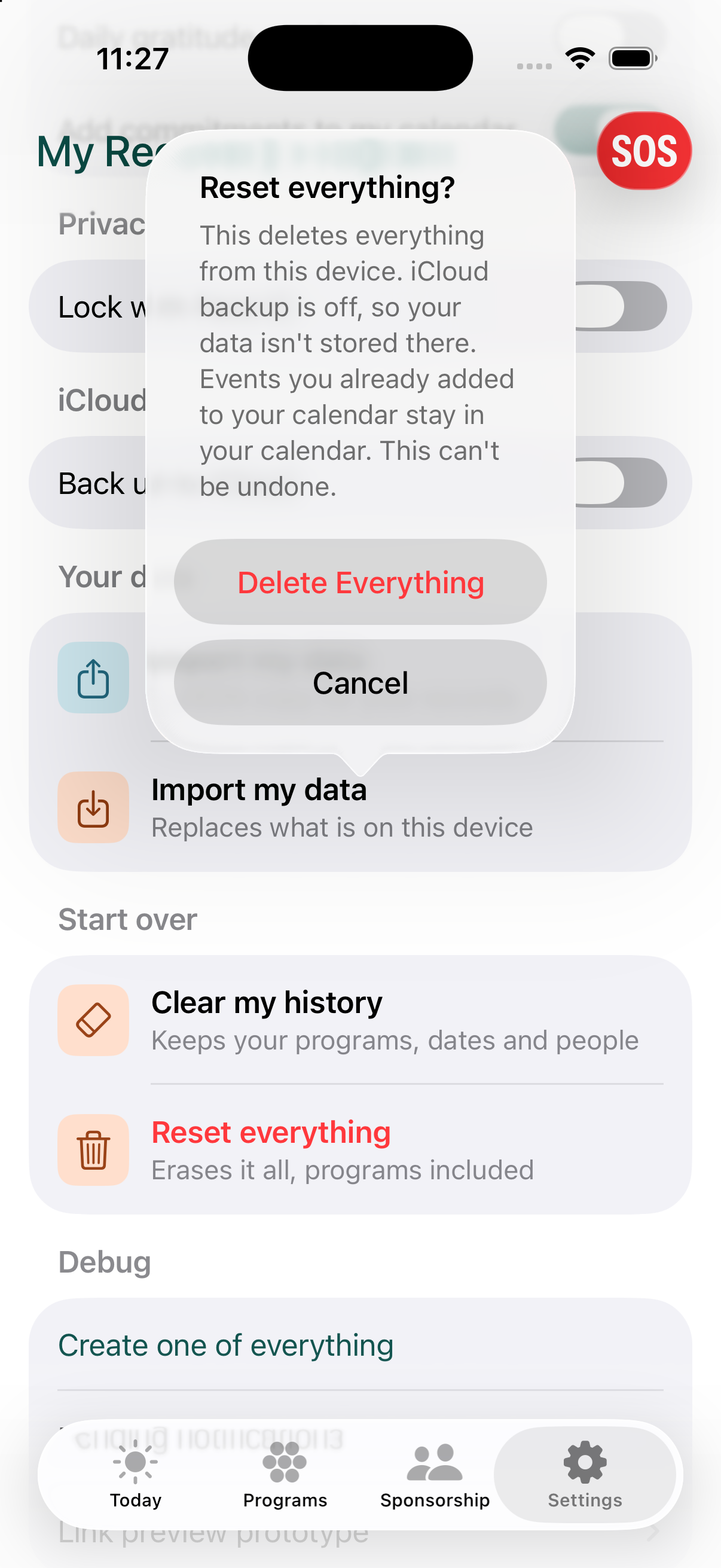
Settings has a Start over group. Clear my history keeps your programs, dates and people and clears what you logged. Reset Everything erases all of your data and disconnects iCloud sync, with a confirmation step and a progress indicator while it works.
Read the full privacy policy ›
Frequently asked questions
Is my data private?
Yes. There's no server, so nothing you enter is uploaded anywhere unless you turn on iCloud backup - and that goes to your own iCloud account, not a company database.
Can I export my data?
Yes. Settings lets you export a complete copy of everything in the app as a file, which you can save, send, or import back in later.