
Sponsors & sponsees
People in My Recovery Program come from your phone's own Contacts - you pick someone, and the app doesn't ask for or store any separate contact details. No manual entry, no notes stored about a person beyond what's on the roles below.
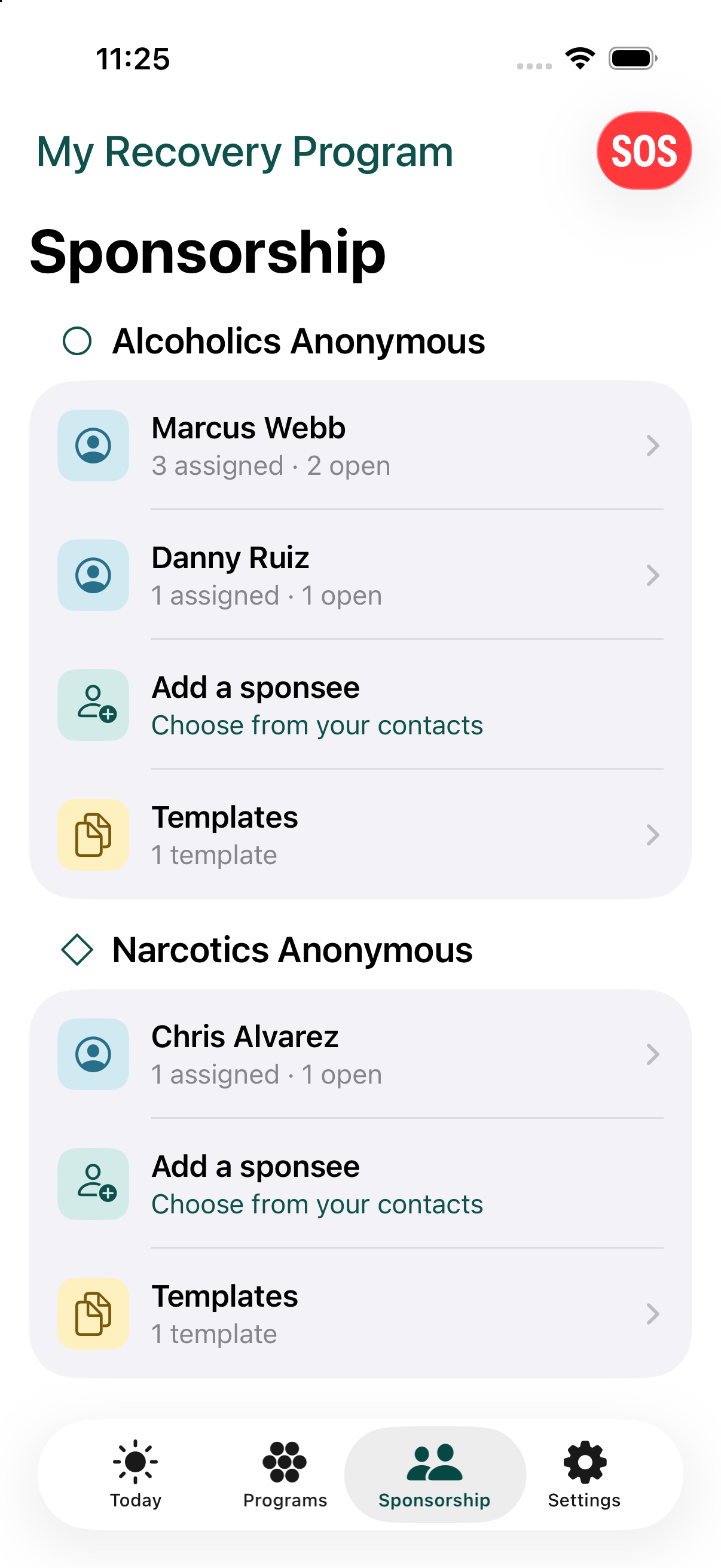
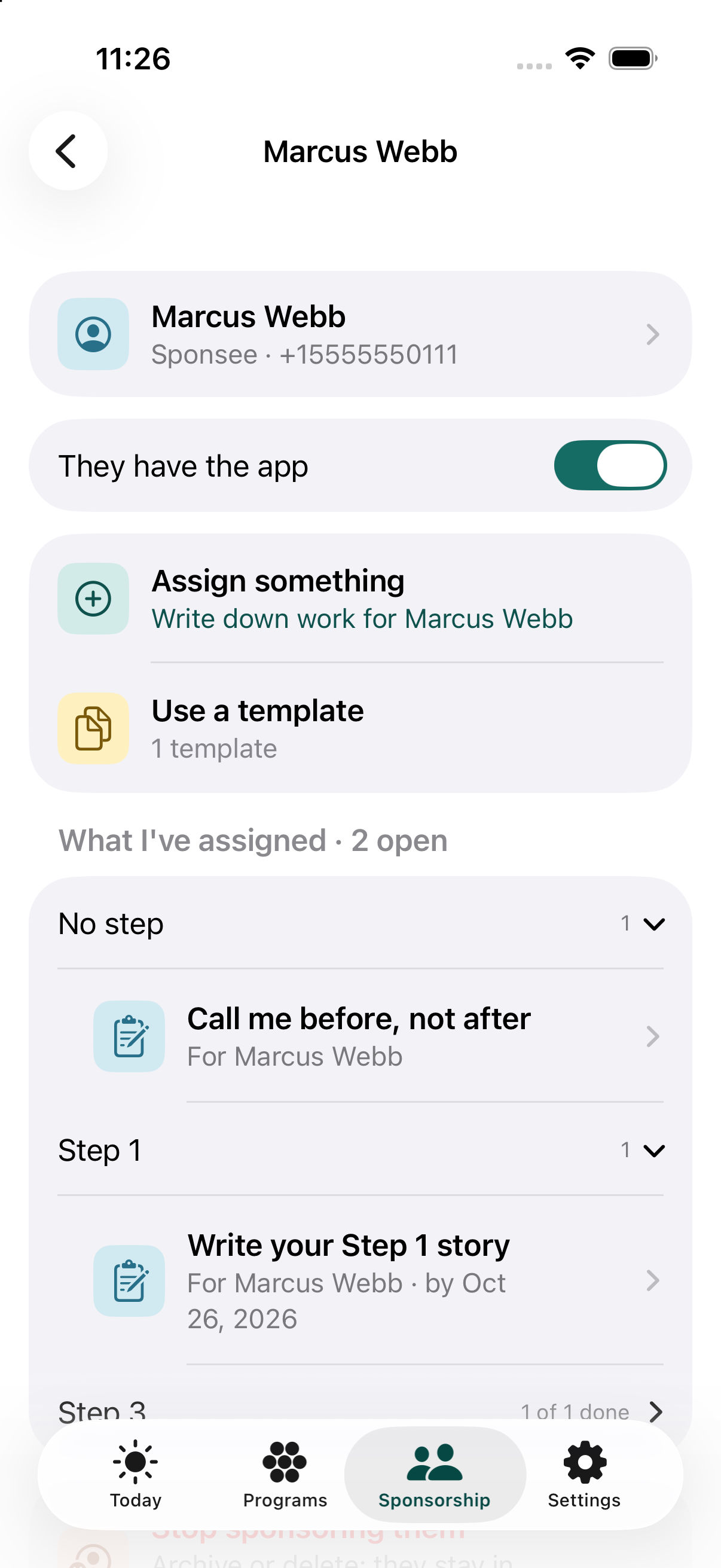
The Sponsorship tab has one group per fellowship, with the people you sponsor first, then Add a sponsee, then Templates. Tap a sponsee to see what you have assigned them, to Assign something or Use a template, and to stop sponsoring them.
Your own sponsor is on your program's screen: tap Sponsor to call or message them, change sponsor, or end the sponsorship.
Each program can have one sponsor and any number of sponsees. There's also a separate list of key contacts - people you may want to reach for support - that isn't tied to any one program.
Templates
Every new program starts with a free sample template already in it - a starting set of commitments and step readings/assignments you (or your sponsor) can use as-is, edit, or delete. Sponsors can also build and save their own templates, any number, and copy one into another fellowship to reuse it there - each copy is then independent, so editing one doesn't change the other. A template can also be shared with another sponsor as a file.
Archiving
If a sponsorship ends, you can archive it rather than delete it. An archived sponsorship disappears from your active lists but keeps everything that was assigned, and you can bring it back with a tap. Deleting is separate, and it's permanent.
A "Show last names" setting in Settings controls whether last names appear anywhere a person's name is shown - not just here, but sponsor and sponsee lists, assignments, crisis contacts, and messages too.
Frequently asked questions
Where do sponsors and sponsees come from?
Your phone's own Contacts. You pick someone, and the app doesn't ask for or store any separate contact details.
What happens if a sponsorship ends?
You can archive it instead of deleting it. An archived sponsorship disappears from your active lists but keeps everything that was assigned, and you can bring it back with a tap.