
Programs & steps
Your programs
The Programs tab is where each fellowship you're actively working lives. If you're only working one program, the tab opens straight into it.
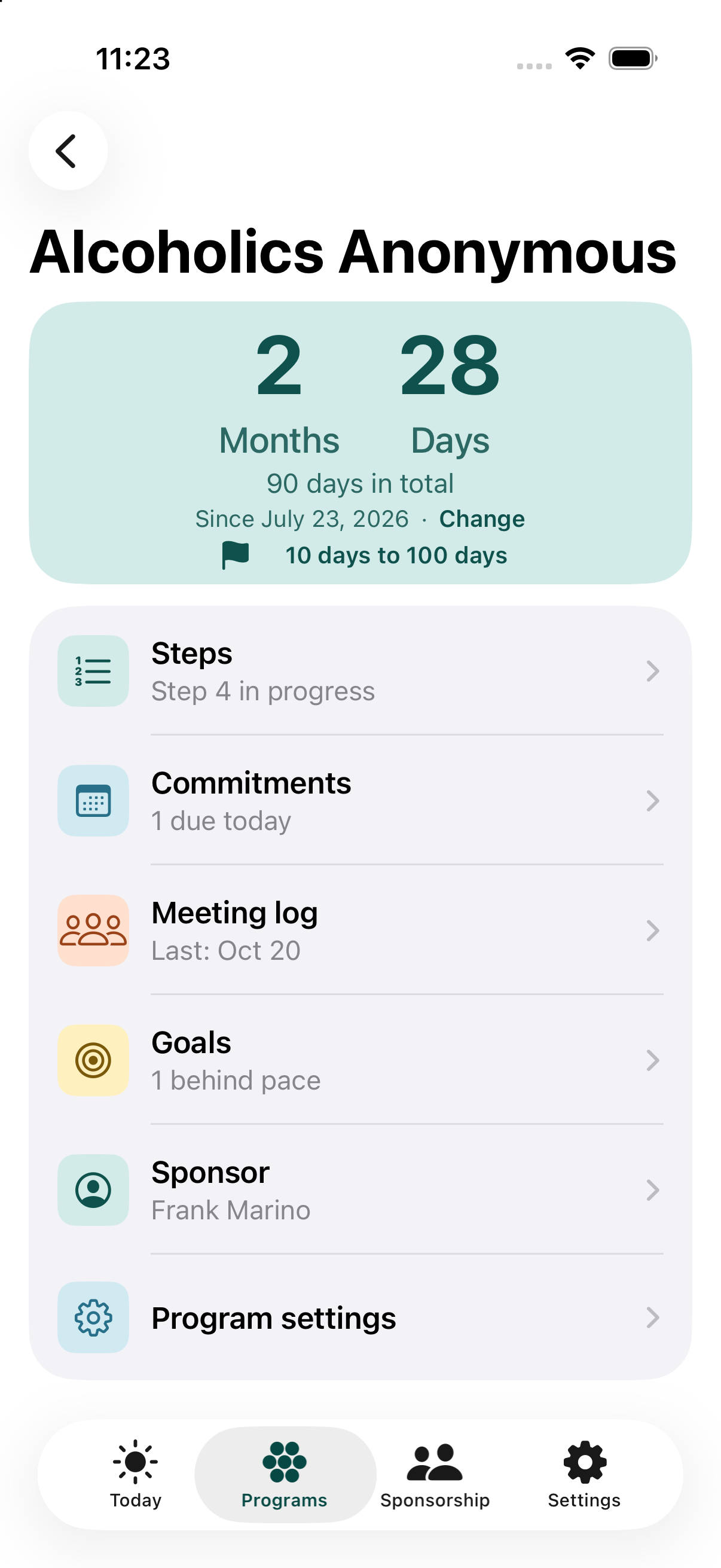
The fellowship's name is the title. In the teal box under it, your time is shown as years, months and days, each in its own column (a column is left out when it is zero). Under that is your total number of days, the date you started with a Change link beside it, and a countdown to your next milestone.
If a program has no date yet, the box says Set your recovery date. Tap it to pick one. (The Today tab's program card offers the same.)
Below the box is one list. Each row has an icon and one line that says what matters about it:
- Steps - which step is in progress, or how many are done.
- Commitments - how many are due today.
- Meeting log - when you last logged a meeting.
- Goals - how many are behind pace, or "On pace".
- Sponsor - your sponsor's name. Tap it to call or message them, change sponsor, or end the sponsorship. With no sponsor, the row says "Add one".
- Program settings - how you take part (attending meetings or working the steps), whether the program is active, your date, a local hotline number for the SOS screen, and deleting the program if you added it by mistake. The same screen is also reachable from Settings.
Milestones
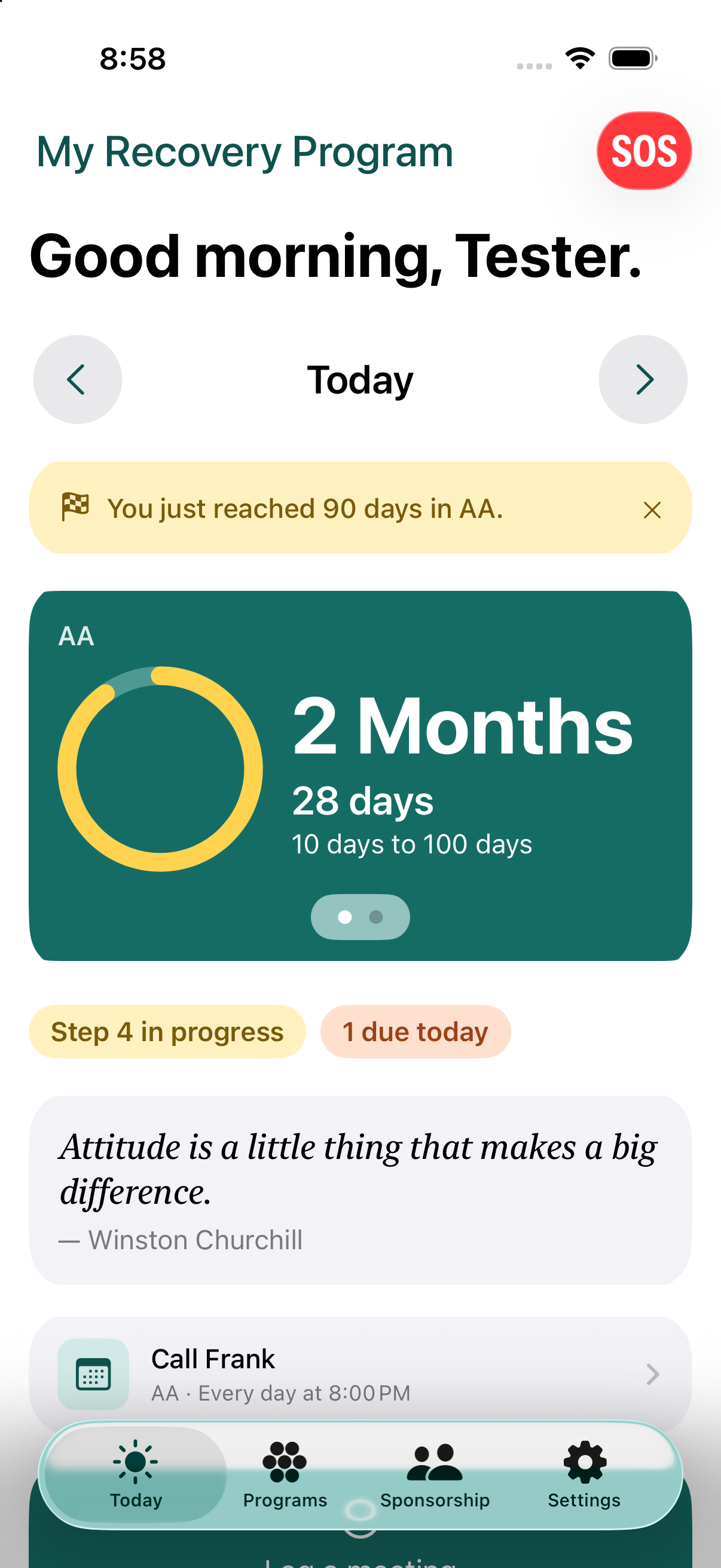
The app celebrates milestones automatically - 24 hours, 30/60/90 days, every 100 days up to 1,000, then every 500 days after that, plus months 4 through 11, 18 months, and then every year. When you reach one, a gold banner appears at the top of the Today tab. If more than one of your programs shares the same recovery date and reaches a milestone the same day, you'll see one combined banner instead of several.
Steps
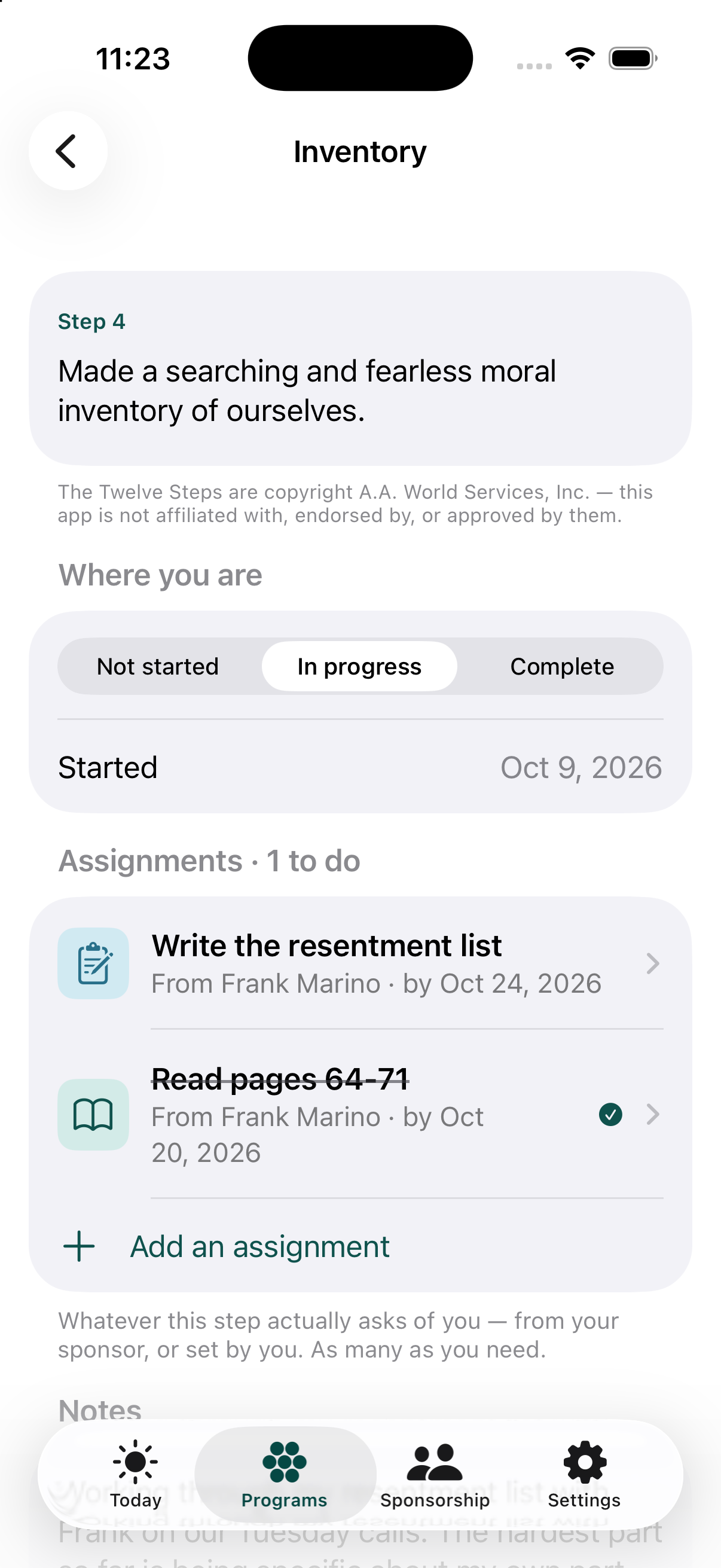
All twelve steps are here, in your fellowship's own wording, with a status for each one and space for your own notes. Each step's number sits on a colored tile: gold while you are working it, teal when it is complete, blue when you have not started. The app keeps track of where you are - it isn't where the actual step work gets written; that's between you and your sponsor.
A fellowship not listed here
AA, NA and Al-Anon are built in, with their own step wording, literature and crisis information. If you're in a different fellowship, you can add it by name from Settings, Add a program, "A fellowship not listed here...". It works like any other program: date, milestones, commitments, meeting log, sponsor and sponsee assignments, and real step tracking (status, notes, assignments), just without any wording for the steps themselves, since the app doesn't have that fellowship's text. It also won't offer a sample template, a national hotline, or a "find a meeting" link, for the same reason.
Starting over on the steps
Each full pass through the twelve steps is called a round. You can start a new round at any time. Your previous round isn't erased - it's kept, frozen, and you can still read back through it, or delete an old round if you want to.
Changing your date
If you need to change your recovery date - including resetting it - tap Change beside the date in the program's teal box, anytime. This isn't something to feel bad about: it's a normal, supported action, and your history is kept as useful context, not hidden. (Your full reset history is included if you ever export your data, even though it isn't currently shown on this screen.)
Frequently asked questions
Can I reset my recovery date?
Yes, at any time. Resetting is a normal, supported action - your history is kept as useful context, not hidden.
Can I start the 12 steps over?
Yes. Each full pass through the steps is called a round, and you can start a new one anytime. Your previous round is kept and you can still read back through it.