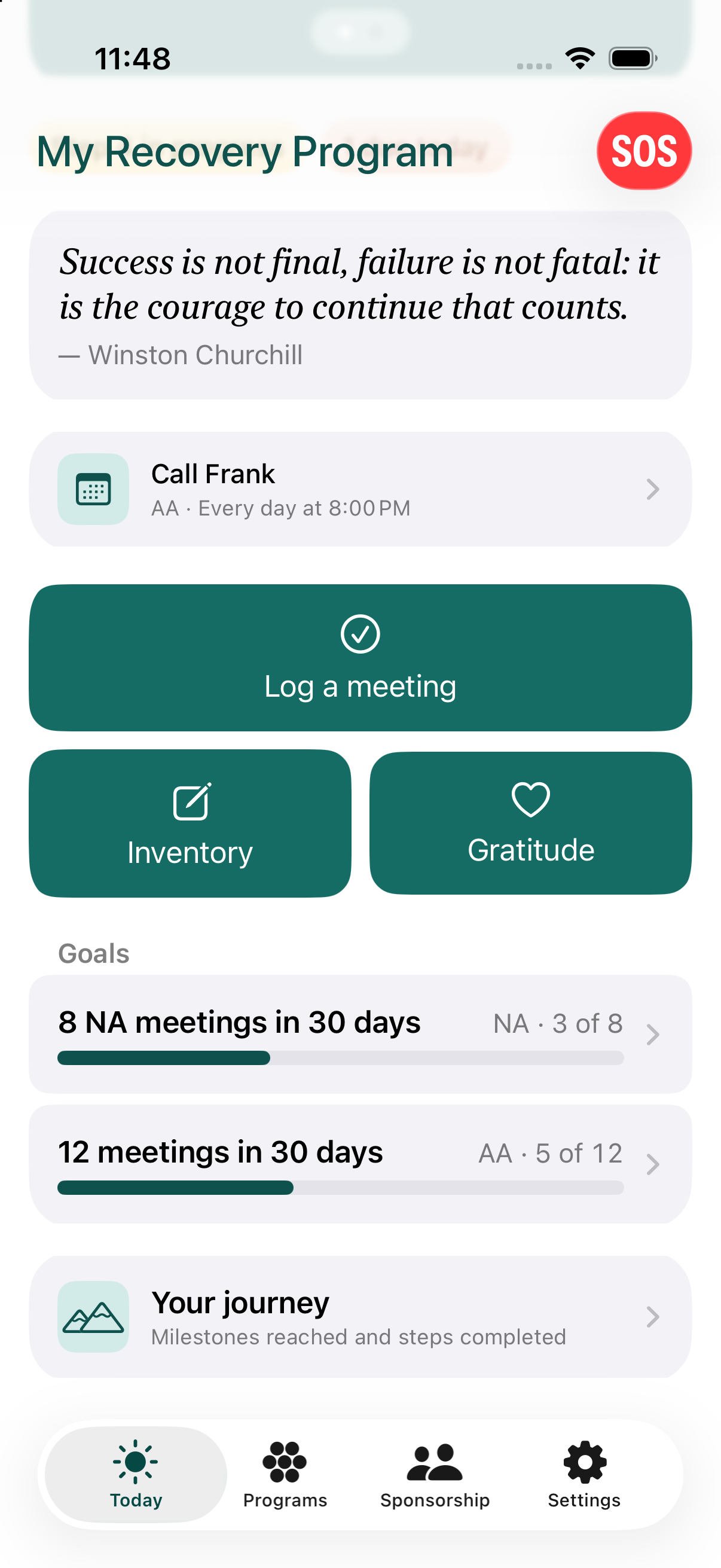
Commitments
Open a program and tap Commitments. The first row, Add a commitment, starts a new one. Below it your commitments are grouped as recurring, one-time, done and archived.
A commitment is anything you want the app to remind you of - a daily call to your sponsor, a weekly meeting you chair, anything one-time or recurring. Commitments can be one-time, daily, weekly, or monthly, and each one belongs to a specific program.
For a weekly commitment, you pick the day of the week directly - the app starts you off with a guess based on your start date, but you can always change it. A monthly one tied to something like "the second Tuesday" works the same way: the week and day are picked directly, with a starting guess you're free to override.
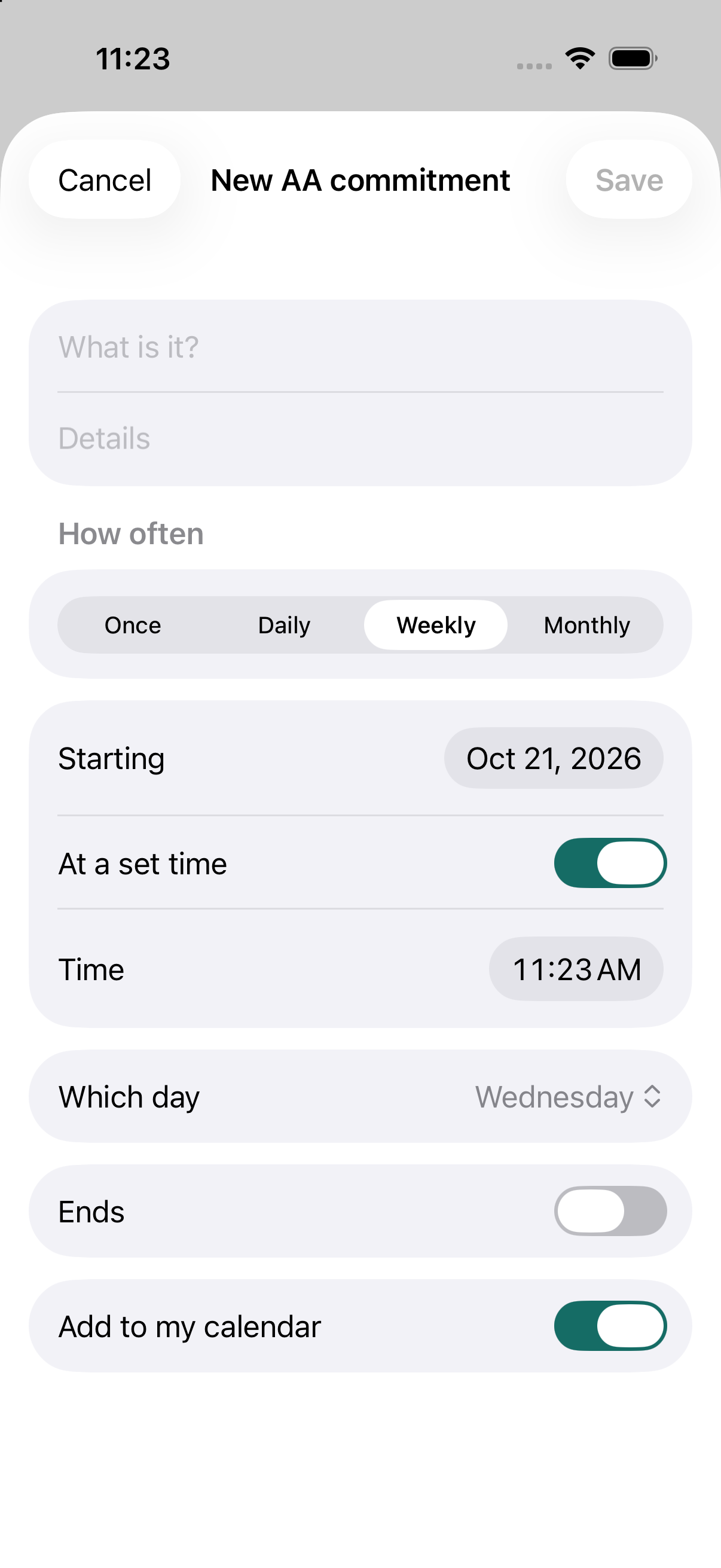
Tap a commitment to change it, mark a one-time one as done, switch a reminder on, archive it (it is kept, out of the way) or delete it. Dates open a small calendar when you tap them. You can also add a commitment to your phone's calendar. The app can add the event, but it never reads anything already in your calendar.
Whatever is due today, across all your programs, shows up on the Today tab, alongside your meeting goals - they share one screen.